
Шаблон розсадки гостей на весіллі
Шаблон розсадки допомагає розмістити підтверджених гостей за столами, не втрачаючи з поля зору сім'ї, плюс-один і особливі потреби.
Написано і підтримується командою Stellanza з організації весільОновлено
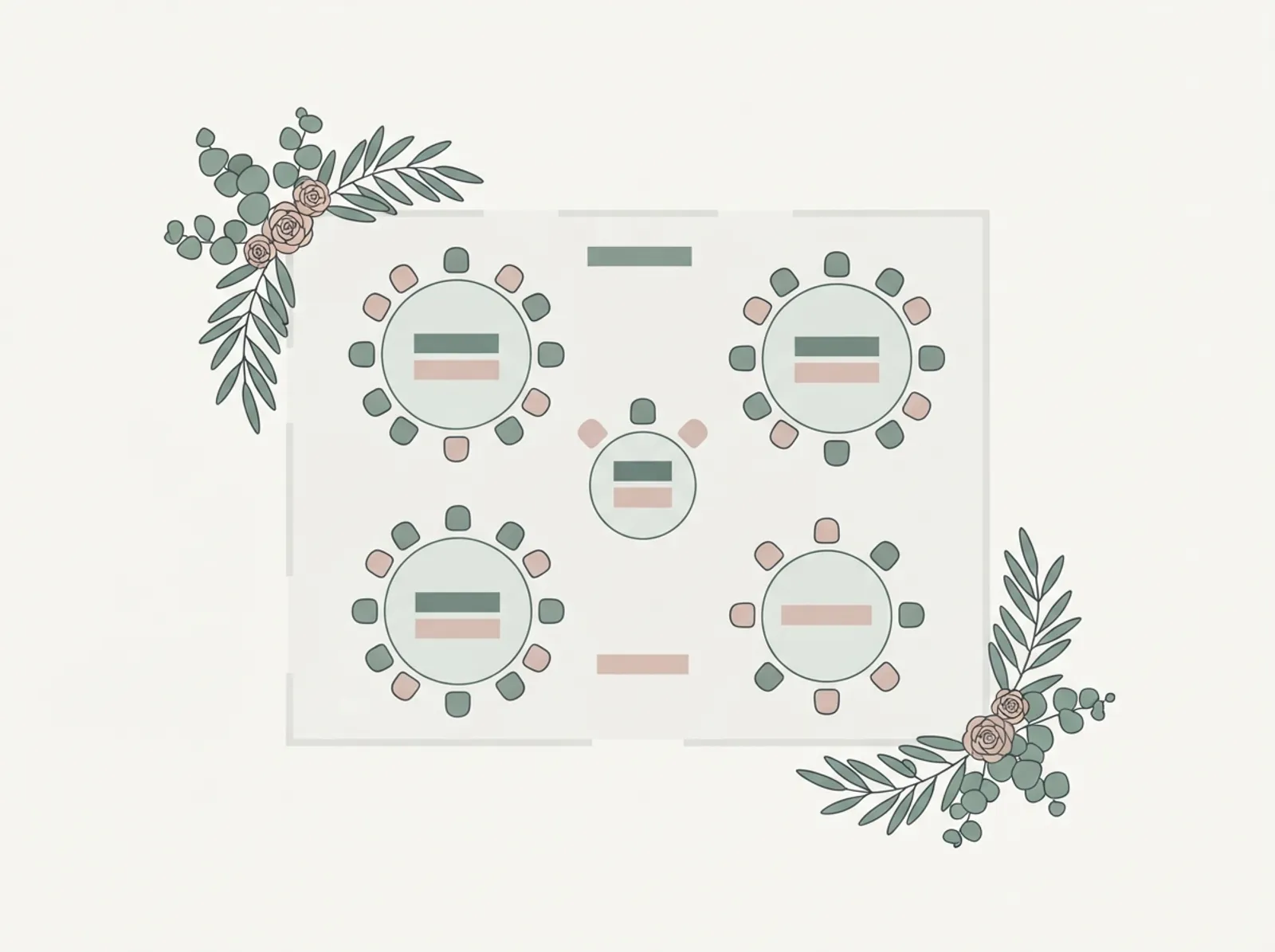
Розсадка гостей
Безкоштовний інтерактивний планувальник. Відредагуйте його тут, а потім роздрукуйте або завантажте як таблицю.
Що має містити шаблон розсадки
Корисний шаблон пов'язує кожного гостя зі столом і зберігає інформацію, яка пояснює, чому він саме там. Зазвичай це ім'я гостя, сім'я або група, номер столу, кількість місць і нотатки про дітей, мобільність чи сімейні нюанси.
- Ім'я гостя та підтверджена присутність
- Назва або номер столу
- Сім'я, родичі або коло друзів
- Місткість столу та зайняті місця
- Нотатки про доступність, дітей або розміщення підрядників
- Резервні місця на пізні зміни, де це можливо
Як вибудувати розсадку логічно
Починайте лише коли відповіді гостей здебільшого зібрані. Спершу розміщуйте гостей з найбільшими обмеженнями: найближчу родину, літніх, батьків з дітьми і всіх, кому потрібна доступність. Далі будуйте столи навколо соціального комфорту й зв'язків, а не симетрії.
- Спершу зафіксуйте підтверджений список
- Рано розсадіть найближчу родину і свідків
- Тримайте пари разом, якщо немає явної причини навпаки
- Не змішуйте несумісні групи заради заповнення столу
- Звірте кількість місць із місткістю локації до фіналізації
Часті помилки в розсадці
Більшість проблем виникає через відкладання схеми або ігнорування контексту стосунків. План, що виглядає збалансованим на папері, може створити незручні столи, якщо розділяє близькі групи або лишає гостей ізольованими. Шаблон допомагає, бо робить групування видимим під час призначення столів.
- Початок до того, як дані щодо відповідей стабільні
- Перевантаження столів понад план локації
- Непотрібне розділення пар чи близьких груп
- Ігнорування мобільності, шуму або огляду
- Правки в останній момент без оновлення основної версії
Як розсадка пов'язана з рештою підготовки
Розсадка залежить від чистих даних про гостей і точного обліку відповідей. Вона також впливає на картки, кількість порцій і монтаж підрядників. Тому вона працює найкраще як фінальний шар керування гостями, а не окрема таблиця.
- Вносьте в схему лише підтверджених гостей
- Звіряйте кількість місць із меню та планом локації
- Надішліть фінальну схему організатору, персоналу локації та друкарні
- Тримайте одне джерело правди для фінальної розсадки
Часті запитання
Відповіді на запитання, які пари ставлять найчастіше під час підготовки. Ми перезбираємо і перевіряємо цей шаблон щоразу, коли змінюється інструмент за ним.
Коли починати розсадку?
Як краще організувати схему розсадки?
Розсаджувати за родинами чи за компаніями?
Як бути з розлученими батьками або напругою в родині?
Скільки місць лишати вільними?
Чи працює шаблон для іменних місць, а не лише столів?
Схожі весільні інструменти
Кожна з цих сторінок закриває пов'язану частину одного процесу підготовки.
Від шаблону до справжнього планування
Шаблони допомагають почати, але найскладніше — тримати синхронними дані гостей, відповіді RSVP, розсадку та зміни бюджету. Stellanza дає єдине джерело правди, коли ви готові піти далі за статичні таблиці та PDF.