
Create your wedding invitation online, free
Pick a style, add your details, and share a link. Guests confirm in one tap and every reply lands in your guest list automatically.
You are invited
Bride's name&Groom's name
Your wedding date
Confirm attendance
- Ask for meal choice
- Allow plus-ones
What your invitation page can contain
Your invitation opens as a full page, not just a card. It can carry your names and date, a countdown, the programme, your story, the godparents and wedding party, a photo gallery, a link to a shared album, the venue with directions, a dress code, travel and stay details, a short FAQ and your bank details, followed by the RSVP form.
- Cover
- Countdown
- Programme
- Our story
- Our people
- Gallery
- Shared photo album
- Venue
- Dress code
- Travel & stay
- FAQ
- Gifts
- RSVP form
- Footer
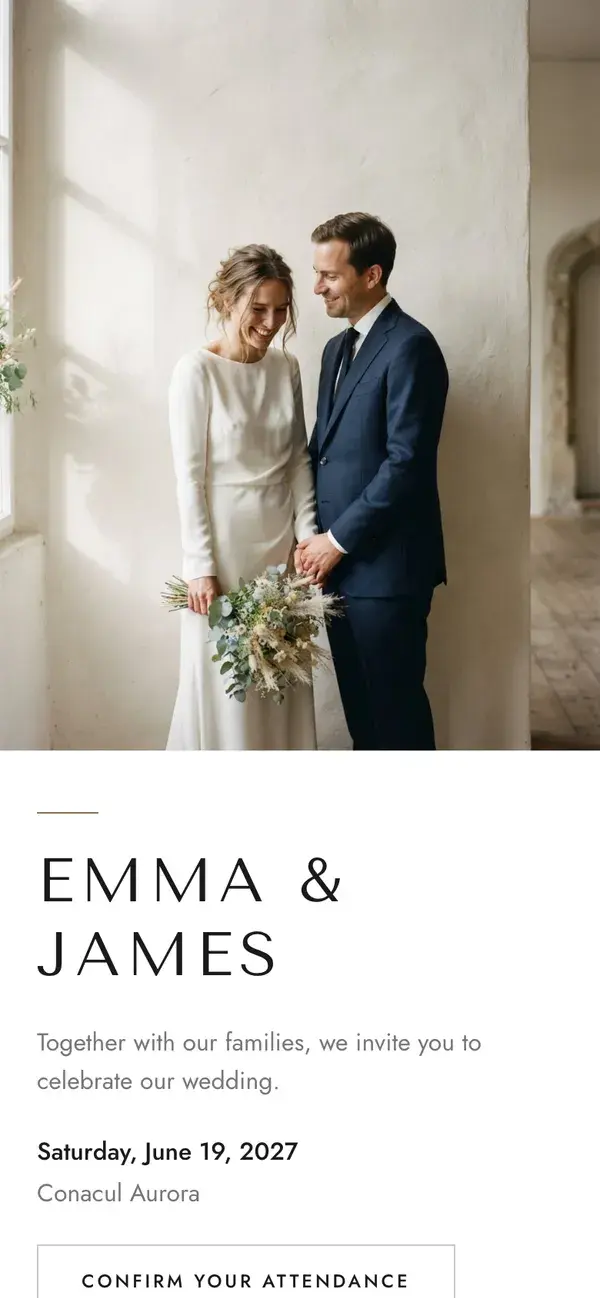
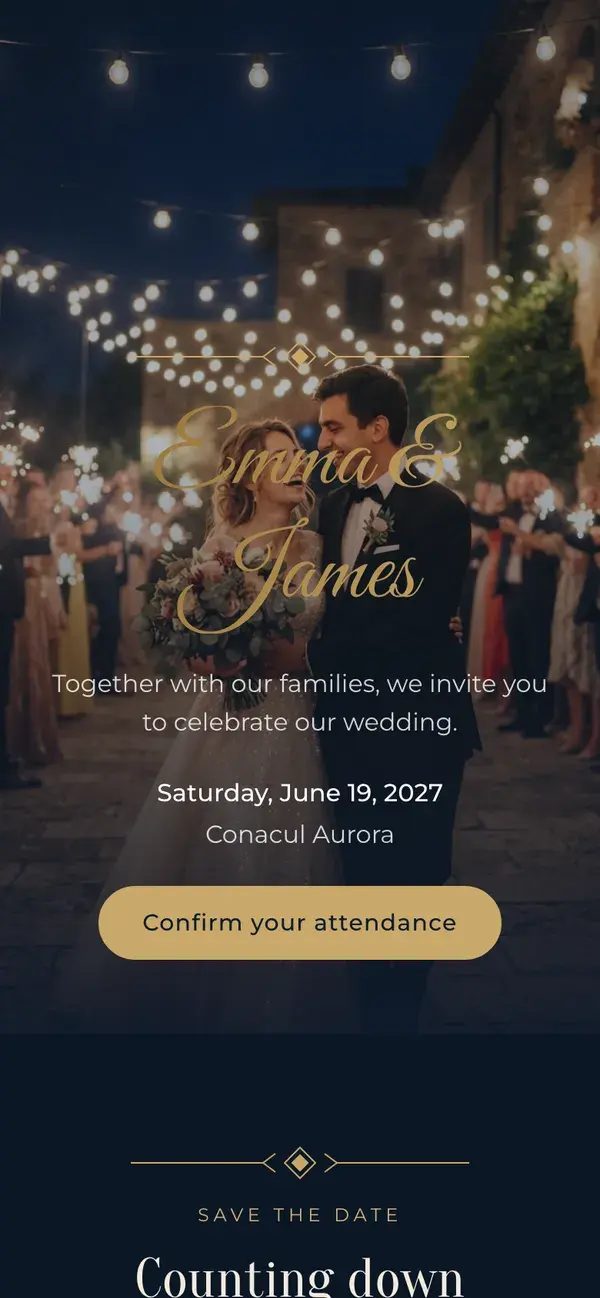
Choose a design
Classic is free. Botanical, Editorial, Heritage, Minimal and Evening are Premium, a one-time payment per wedding. Open any of them to see a full example page.
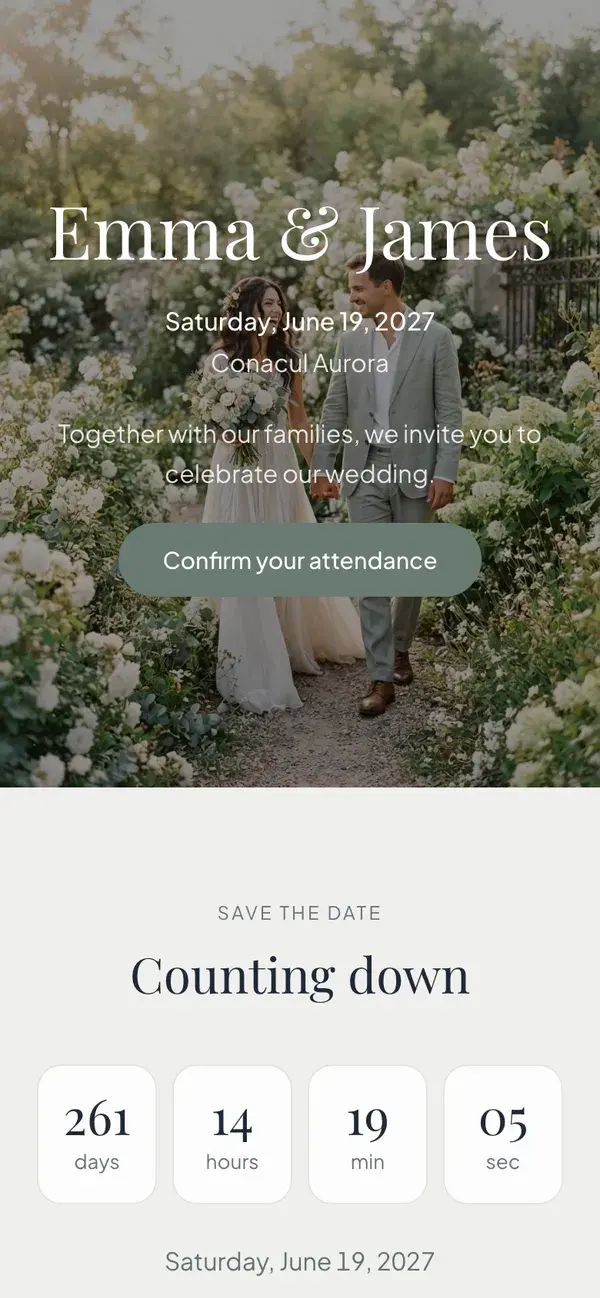
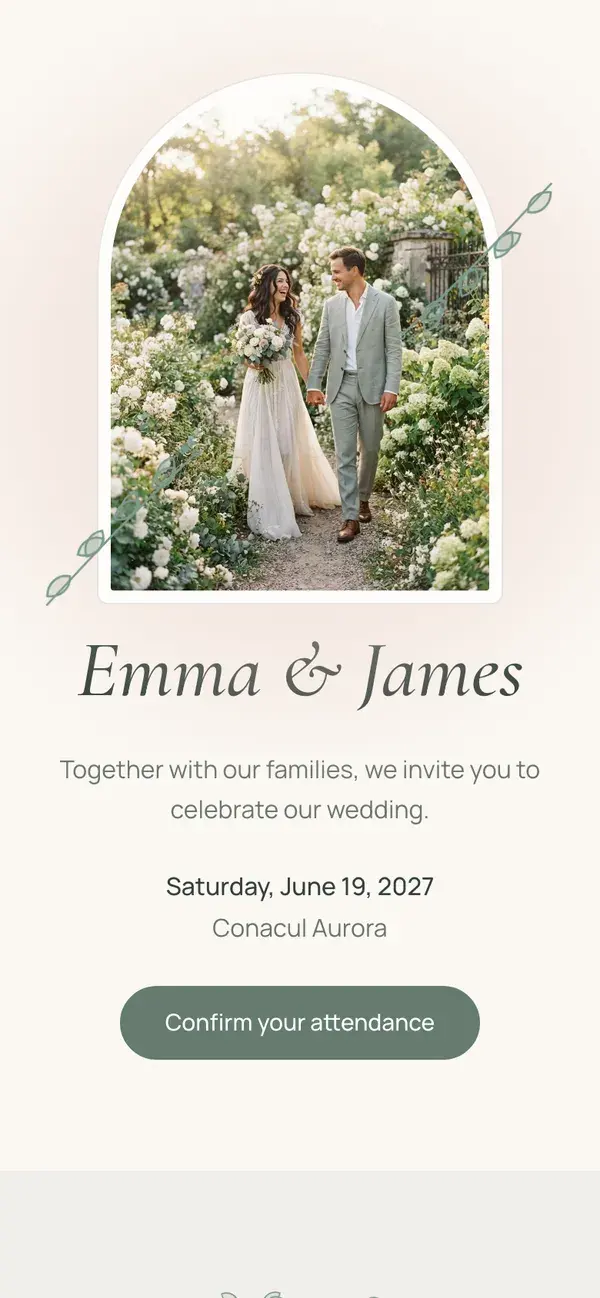
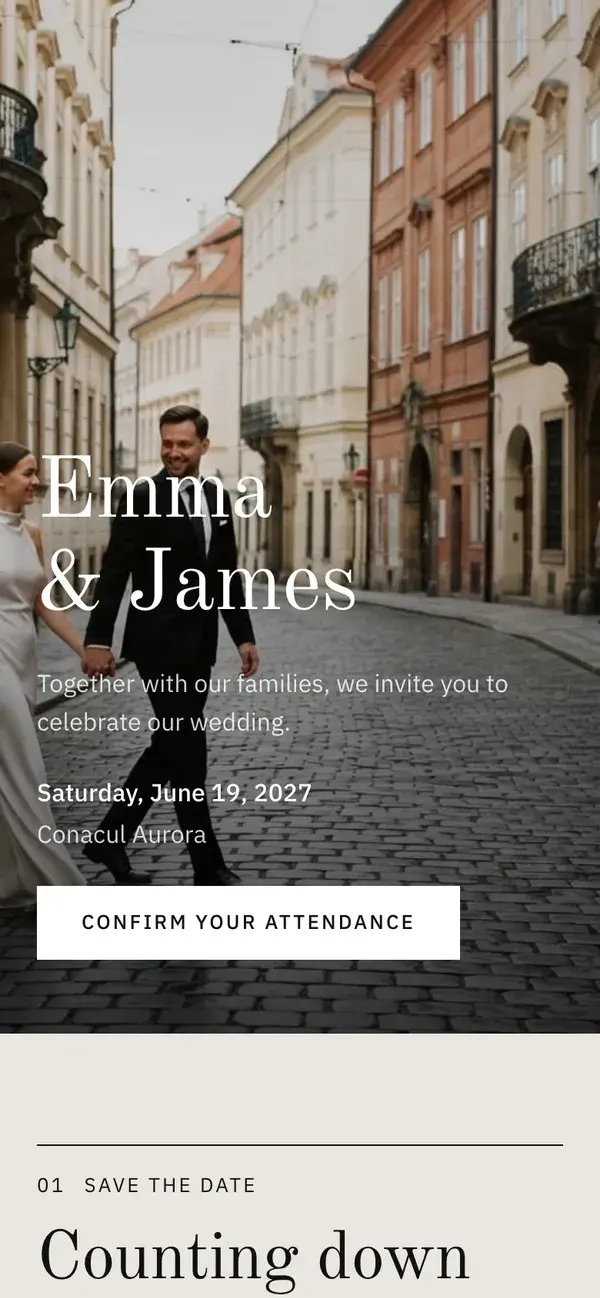
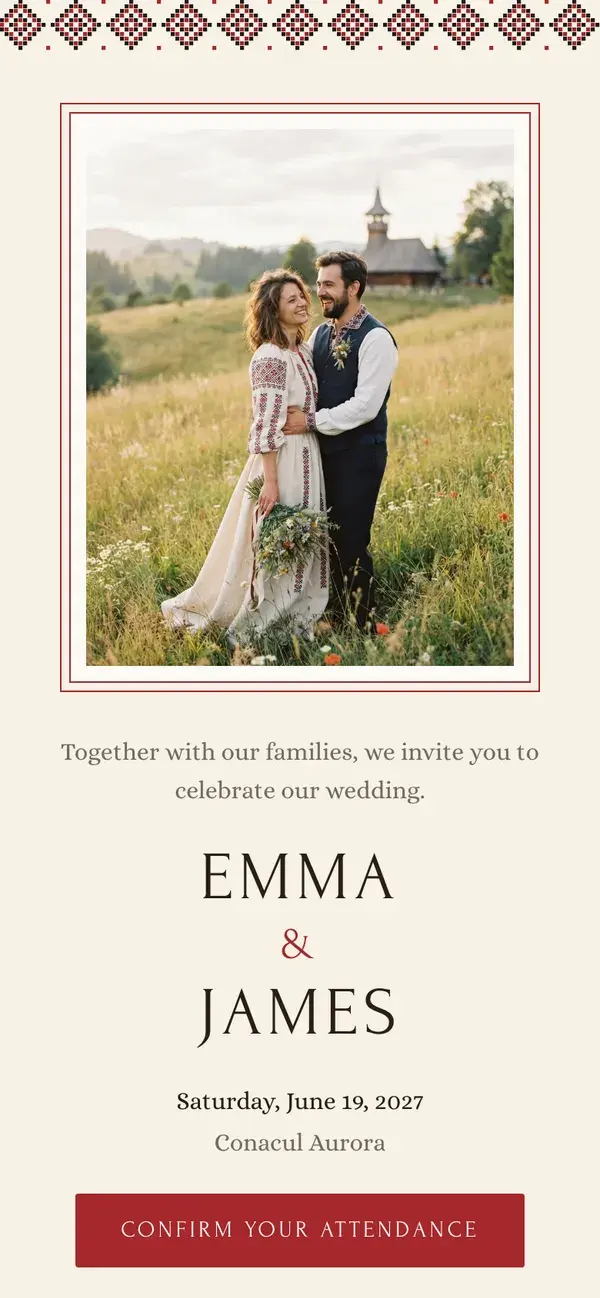
How to create your invitation in 4 steps
- 1
Style
Choose the colour palette your invitation uses.
- 2
Your details
Add both names, your wedding date, and a short message for your guests.
- 3
Venue
Add where and when the celebration takes place.
- 4
RSVP
Choose what to ask your guests: meal choice, dietary notes, plus-ones, and a reply deadline.
What happens after guests reply
Most invitation tools stop the moment you hit send. Here, every confirmation becomes a row in your guest list, a seat at a table, and a line in your budget — in the same free account.
Frequently asked questions
How much does a digital wedding invitation cost?
How many guests can I invite for free?
How do guests confirm their attendance?
Can I send the invitation by WhatsApp?
What happens to the replies I receive?
Do I need an account?
Can guests choose a meal and flag dietary needs?
Can I change the invitation after sending it?
Is there a free digital wedding invitation with RSVP?
Can the invitation show the schedule, the map and the dress code?
Can guests reply with one shared link instead of a personal one?
Free, no card needed
Building and sending your invitation is free for unlimited guests. No trial, no card, no activation fee. That includes the Classic design. The five other designs are Premium, a one-time payment per wedding.