
Wedding Seating Chart Template
A wedding seating chart template helps you place confirmed guests into tables without losing track of family groups, plus-ones, children, and special requirements. The point is not just to fill seats. It is to produce a layout that works for guest comfort, service flow, and venue constraints.
Written and maintained by the Stellanza wedding planning teamLast updated
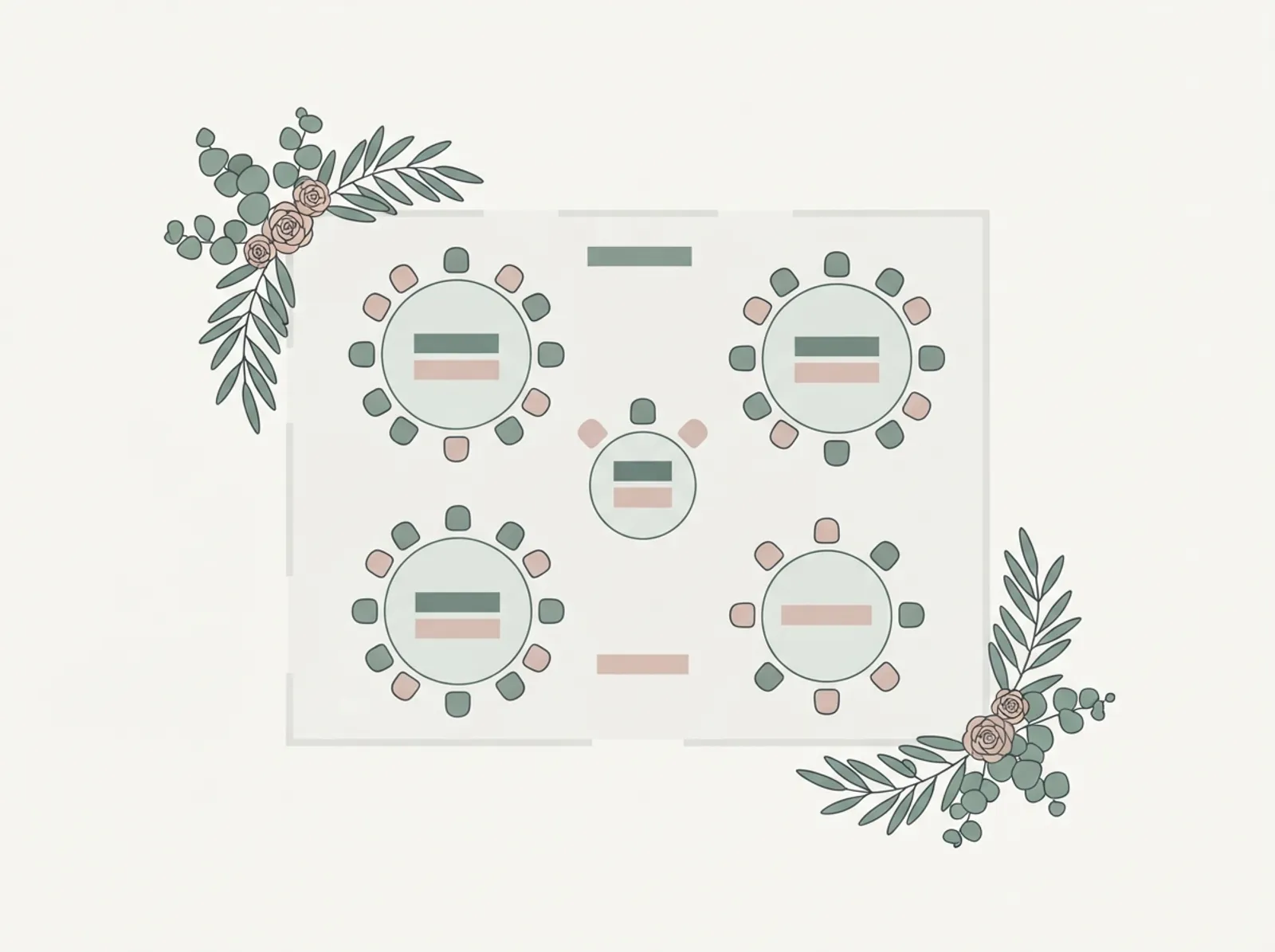
Wedding Seating Chart Template
A free interactive planner. Edit it here, then print it or download it as a spreadsheet.
What a seating chart template should include
A useful seating chart template ties each guest to a table assignment and preserves the information that explains why they are there. That usually means guest name, household or group, table number, seat count per table, and notes for children, mobility, or family sensitivities.
- Guest name and confirmed attendance status
- Table name or number
- Household, family, or friend group
- Table capacity and current seat count
- Notes for accessibility, children, or vendor placement
- Buffer seats for last-minute changes where possible
How to build a wedding seating chart logically
Start only after RSVPs are substantially complete. Place high-constraint guests first: immediate family, elderly guests, parents with children, and anyone with accessibility needs. After that, build tables around social comfort and shared relationships instead of pure symmetry.
- Lock the confirmed guest list first
- Seat immediate family and wedding party early
- Keep couples and named plus-ones together unless there is a clear reason not to
- Avoid mixing incompatible groups just to fill a table
- Review table counts against venue capacity before finalizing
Common seating chart mistakes
Most seating problems come from leaving the chart too late or ignoring relationship context. A chart that looks balanced on paper can still create awkward tables if it splits close groups or forces guests into isolated seats. Templates help because they make the guest grouping visible while you assign tables.
- Starting before RSVP data is stable
- Overfilling tables beyond the venue layout
- Separating couples or close friend groups unnecessarily
- Ignoring mobility, noise, or visibility considerations
- Making last-minute edits without updating the master version
How seating charts connect to the rest of wedding planning
A seating chart depends on clean guest list data and accurate RSVP tracking. It also affects escort cards, place cards, catering counts, and vendor setup. That is why the template works best when it is treated as the final layer of guest management, not an isolated worksheet.
- Pull only confirmed guests into the chart
- Cross-check table counts with meal and venue plans
- Share the final layout with planners, venue staff, and stationery vendors
- Keep one source of truth for final seating assignments
Frequently asked questions
Answers to the questions couples ask most often while planning. We rebuild and re-check this template every time the tool behind it changes.
When should I start my wedding seating chart?
What is the best way to organize a wedding seating chart?
Should I seat guests by family or by friend group?
How do I handle divorced parents or tense family dynamics?
How many seats should I leave open at each table?
Can a wedding seating chart template work with assigned seats and assigned tables?
Related wedding planning tools
Each of these pages covers a connected part of the same planning workflow.
Move from template to real planning
Templates help you start, but the hard part is keeping guest data, RSVPs, seating, and budget changes in sync. Stellanza gives you that shared source of truth once you are ready to move past static sheets and PDFs.