
Free printable invitation designer
Wedding Invitation Template
A wedding invitation has one job: tell your guests who is marrying, when, where, and how to reply. Everything else on the card is there to make those four facts feel like an occasion.
Fill in your details below, choose one of eight designs, and download a finished invitation — a print-ready PDF or a 300-dpi image you can send on WhatsApp or take to a print shop. There is no account, no watermark, and nothing you type leaves your browser.
- 8 designs, each with its own colours
- A6, A5, square and WhatsApp sizes
- PDF and 300-dpi PNG
- No account, no watermark
Written and maintained by the Stellanza wedding planning teamLast updated
Browse all wedding toolsWhat is the Stellanza wedding invitation template?
The Stellanza wedding invitation template is a free online designer for printable wedding invitations. You type in your names, the date and time, the ceremony and reception venues and the reply details, choose one of eight designs and a colour palette, and download the finished card as a print-ready PDF at the card's exact size, a 300-dpi PNG, or an A4 sheet with cut marks for printing at home.
It makes A6, A5 and square cards and a 1080 by 1350 image for WhatsApp and Instagram. There is no account and no watermark, and the invitation is composed in the browser, so nothing you type is uploaded. Couples who would rather collect replies online can build a Stellanza wedding page, where each guest confirms on a personal link and the answers go straight into the guest list.
Wedding Invitation Maker
A free tool. Fill in your details, pick a design, then download the image or print it.
Design
Eight complete looks, each with its own colours. Every one of them prints.
Colours
Your details
Size
Artwork
Use the artwork that comes with the design, or have one drawn for you.
A few free drawings a day. Your details stay on this page — only the style is sent.
Sending it on WhatsApp? A wedding page collects the replies for you.See the wedding page with RSVPs
How it works
- 1
Type in your names, the date, and where the ceremony and reception are.
- 2
Choose one of the eight designs and the card size you want.
- 3
Keep the artwork that comes with the design, or have a new one drawn for you.
- 4
Download a PDF at the card's size, a 300-dpi PNG or an A4 sheet with cut marks, or print straight from the page.
Use it alongside
01
What has to be on a wedding invitation
An invitation can be four lines or twenty, but a guest should be able to answer every practical question after reading it once.
If one of these is missing you will spend the following month answering the same message, so write them down before you think about how the card looks.
- Who is getting married — full names, in the order you want them read
- The date, and the time the ceremony starts rather than the time you would like people seated
- Where the ceremony is, with enough address to find it
- Where the reception is, and whether guests move between the two
- How and by when to reply, with one named person to reply to
- Anything a guest has to act on: dress code, an adults-only note, parking
02
Printed, sent, or both
Most couples now do both, and the two uses want different files. A printed card is chosen for the paper as much as the design; a card sent on WhatsApp is read on a phone at arm's length and needs bigger type and fewer lines.
The designer exports at 300 dots per inch for the paper sizes, which is what a print shop expects, and at 1080 by 1350 pixels for the social size, which is what a phone shows without recompressing it into mush.
- A6, 105 × 148 mm — the standard invitation card, and the cheapest to print in quantity
- A5, 148 × 210 mm — twice the size, for a single-card invitation carrying all the detail
- Square, 135 × 135 mm — needs a square envelope, which costs more than couples expect
- 1080 × 1350 — for sending, not printing
03
How many invitations to order
Count households, not people. A couple living at one address gets one invitation, a family with children gets one, and single guests get one each — which is usually around sixty per cent of your guest count, not one hundred.
Then add spares. Print shops charge steeply for a second short run, and you will lose one or two to the post and want a few to keep.
- One invitation per household, not per guest
- Add ten per cent for spares, and two for yourselves
- Order envelopes before you write the addresses, not after
- Check the print shop's minimum order before choosing a size
04
When to send them
Six to eight weeks before the wedding is the usual window, and three months if guests are travelling or the date falls in a holiday season.
Set the reply deadline three to four weeks before the day. That is what your venue's final headcount date allows for, and it leaves you time to chase the people who will need chasing.
- Save-the-dates six to twelve months ahead if guests need to book travel
- Invitations six to eight weeks ahead, or three months for a destination wedding
- Reply deadline three to four weeks before the day
- Expect to chase roughly a quarter of your list, whatever the deadline says
Wedding page and RSVPs
Want guests to reply online instead of on paper?
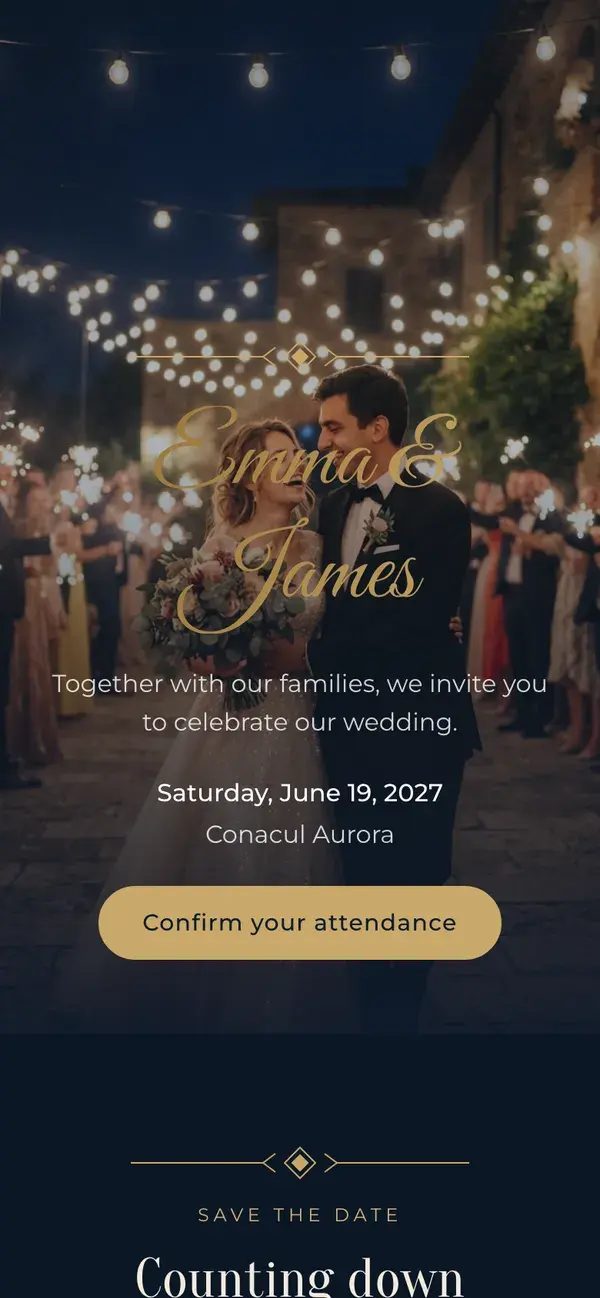
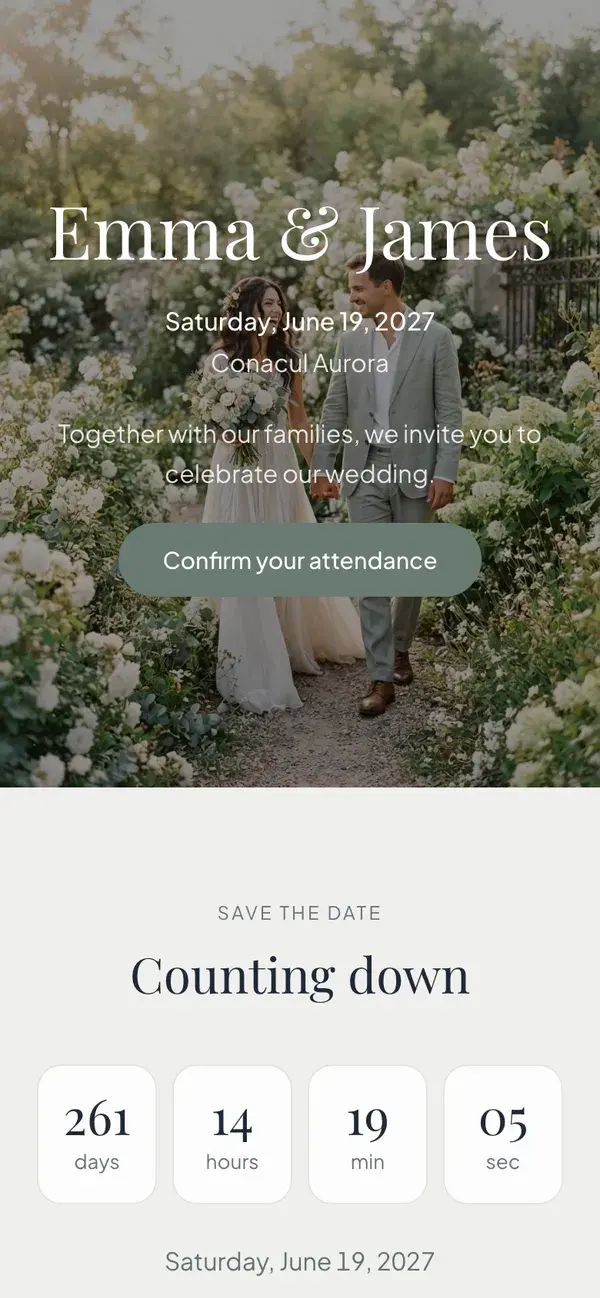
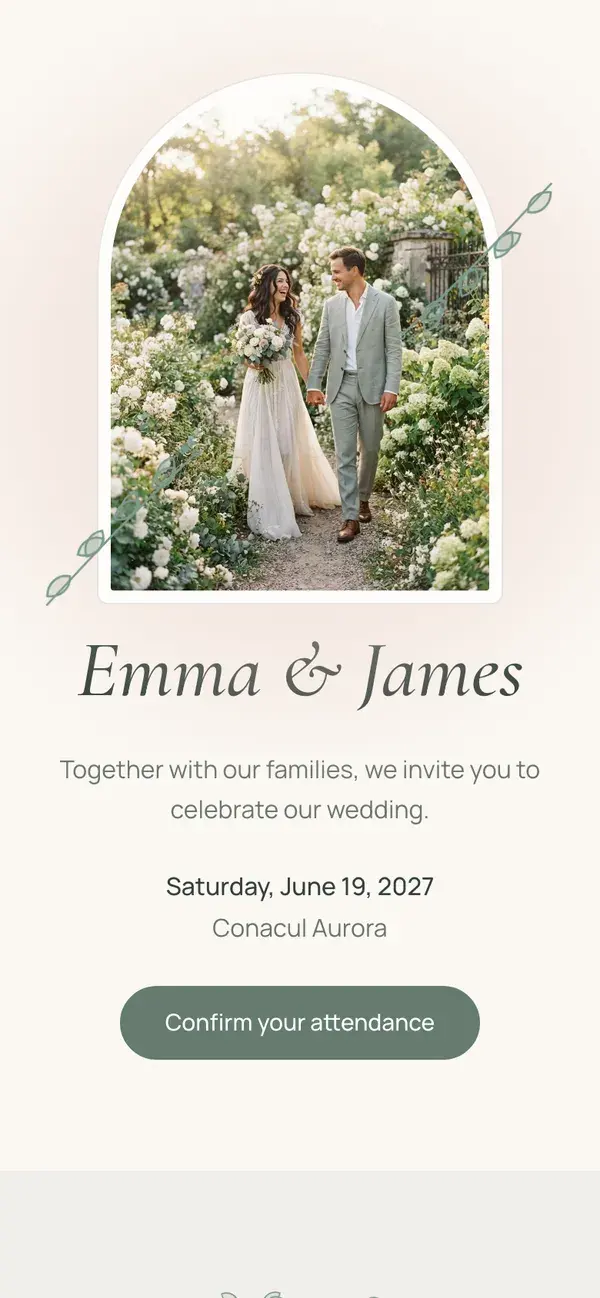
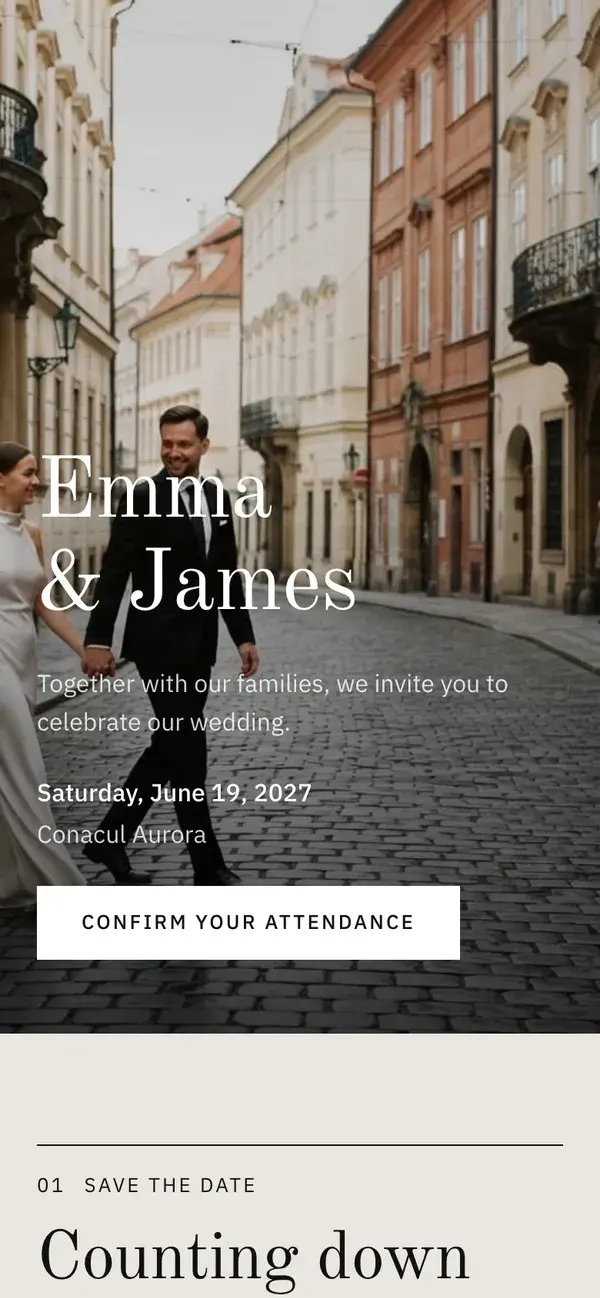
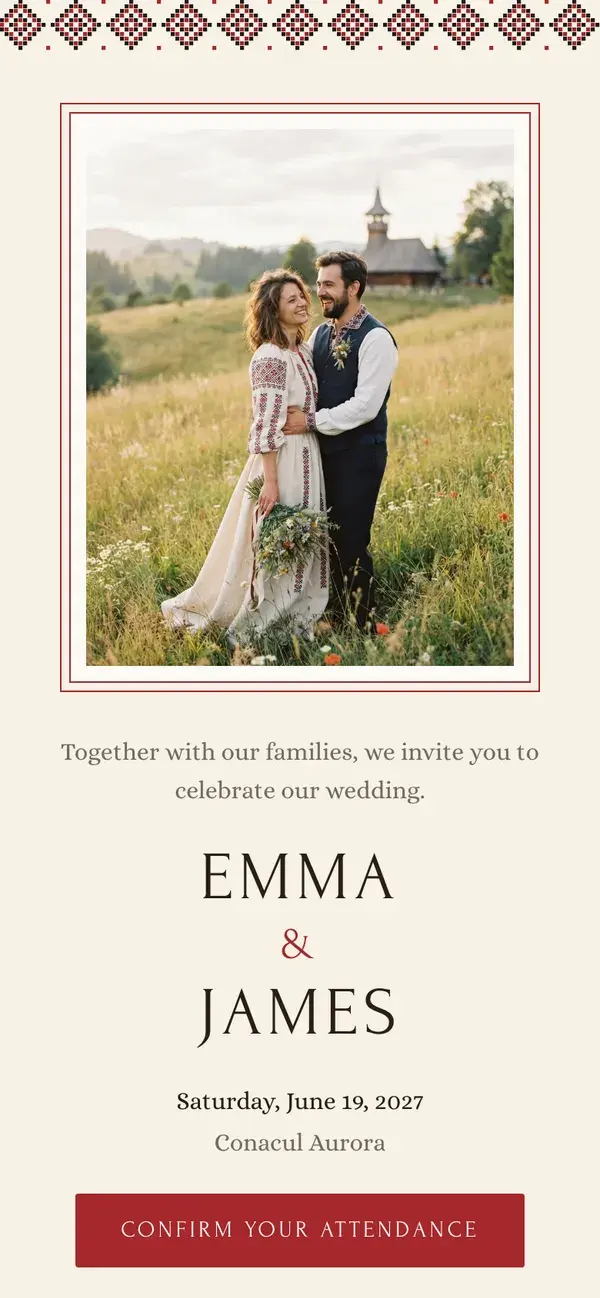
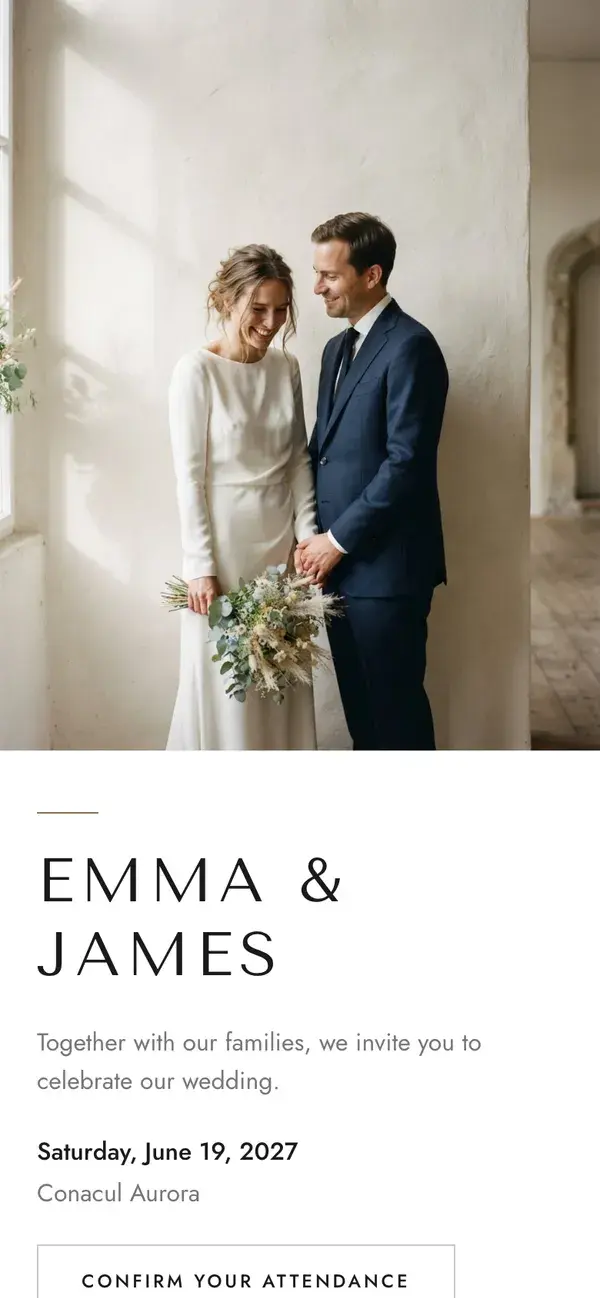
The designs on this page are files to print or send. If you would rather share one link where guests can see the schedule and the map and confirm their attendance, build the invitation as a page instead. Classic is free, and there are five more designs in Premium.
See a live example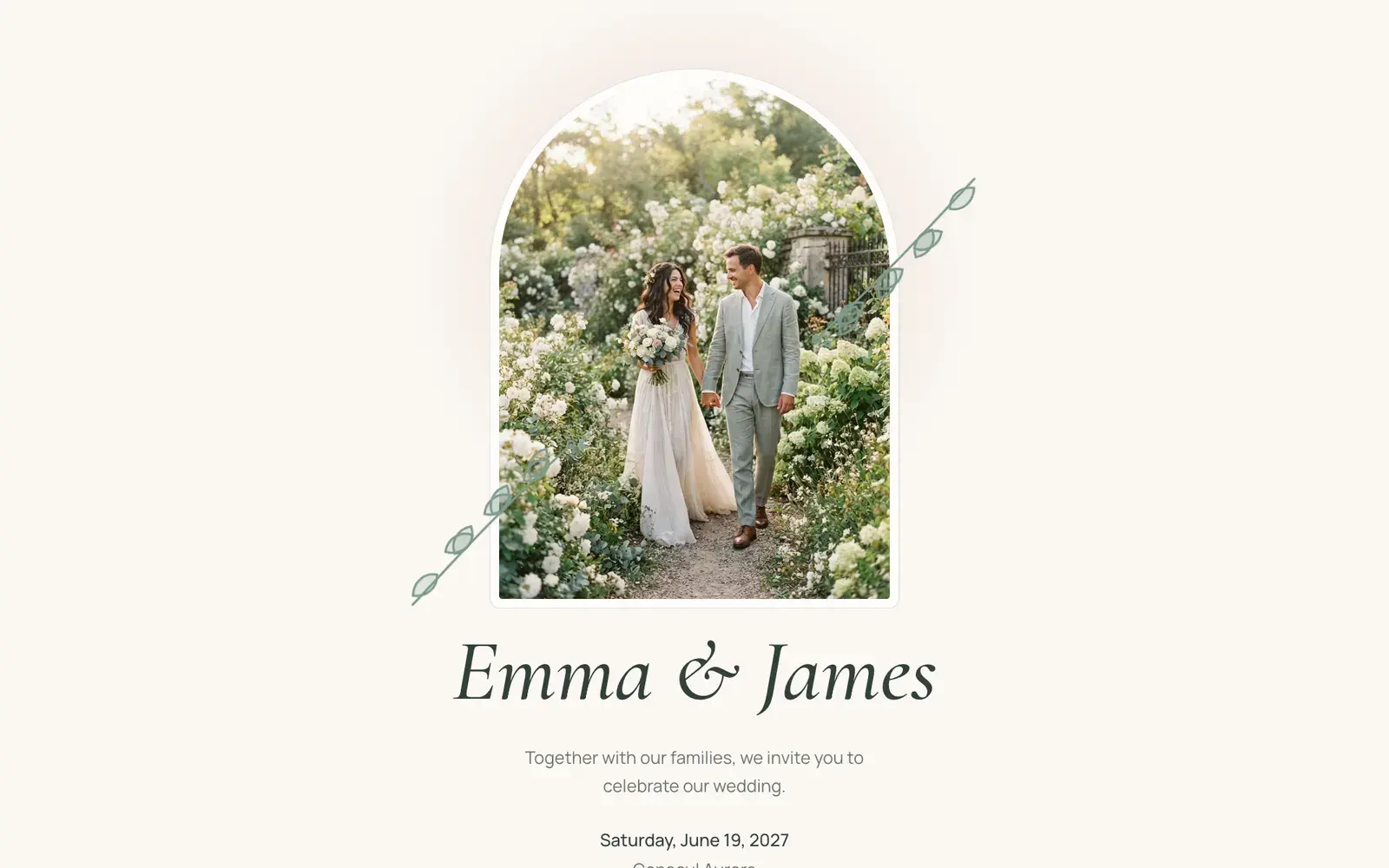
Turn this invitation into a wedding page guests can reply on
- A personal link for every guest
- Each guest opens their own link, with nothing to install and no account to create.
- Meal choices and plus-ones
- As they reply, guests choose a meal, note dietary needs and add their plus-ones.
- Replies land in your guest list
- Every answer updates your guest list and headcount, with nothing to type in twice.
- Six wedding-page designs, 14 languages
- Classic is free; Botanical, Editorial, Heritage, Minimal and Evening are Premium. Every design works in all 14 languages.
Frequently asked questions
Answers to the questions couples ask most often while planning. We rebuild and re-check this template every time the tool behind it changes.
Is this wedding invitation template really free?
Can I take the file to a print shop?
What size should a wedding invitation be?
Should the invitation name the godparents or witnesses?
Can I send the invitation on WhatsApp?
Do my details get uploaded anywhere?
Should I print the invitation or send a link?
Can I print the card and still collect replies online?
Related wedding planning tools
Each of these pages covers a connected part of the same planning workflow.
- Create a Wedding Invitation with RSVPPrefer a link guests can reply to? Build one and the replies land in your guest list.Open tool page
- Wedding RSVP TrackerOnce the invitations are out, track who has replied and who needs chasing.Open tool page
- Wedding Guest List TemplateWork out the household count that decides how many invitations to order.Open tool page
- Wedding Seating Chart TemplateTurn the replies into a table plan.Open tool page
- Wedding Planning Excel TemplateDownload one .xlsx workbook with all eight planning tabs already linked together.Open tool page
- Wedding photo sharing50 free photos, available until 7 days after your wedding.Open tool page
- Printable photo QR signCustomize and print an A6 table card linking to your album.Open tool page
Move from template to real planning
Templates help you start, but the hard part is keeping guest data, RSVPs, seating, and budget changes in sync. Stellanza gives you that shared source of truth once you are ready to move past static sheets and PDFs.