
Wedding Seating Plan Online
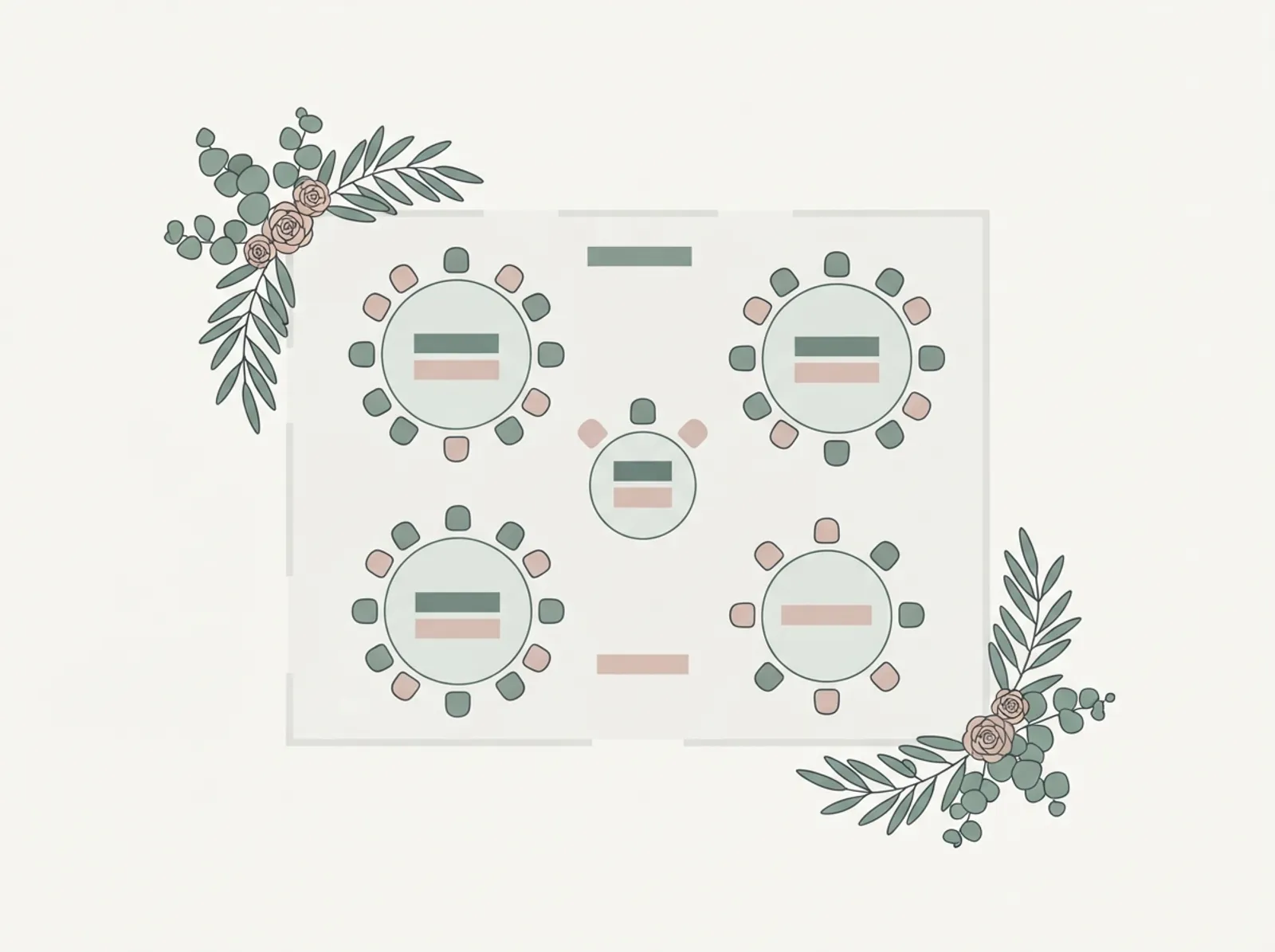
Arrange your tables in the browser. Add your guests, drop in round or long tables, and drag names into seats until the room works. Nothing to download and nothing to install.
Free with unlimited guests. The plan saves as you go, so you can close the tab after RSVPs shift and pick it up where you left it.
Written and maintained by the Stellanza wedding planning teamLast updated
Wedding Seating Plan
A free interactive planner. Edit it here, then print it or download it as a spreadsheet.
How it works
- 1Add your guests, or paste them in from a list you already keep.
- 2Lay out the tables your venue has given you and set the seats on each.
- 3Drag guests onto seats, starting with family and anyone with a constraint.
- 4Check for over-full tables, then export the plan for your venue.
What you can do here
The planner works the way the job actually goes: the room first, then the people. Set out the tables you have been given by the venue, then move guests between them as answers come in.
- Round, long and head tables, each with its own seat count
- Drag a guest from the list straight onto a seat
- Keep households and plus-ones together as one block
- Mark children, accessibility needs and vendor seats
- Spot tables that are over capacity before the venue does
- Export the finished plan to hand to your venue or printer
Start before every RSVP is in
Waiting for a complete guest list is the most common way couples run out of time. Place the people you are certain about — immediate family, the wedding party, anyone with a mobility or seating constraint — and leave the uncertain seats open. The plan absorbs late changes far better than a spreadsheet does, because moving one name does not renumber everything below it.
- Seat the fixed constraints first, not the easy tables
- Leave a buffer seat on tables likely to grow
- Revisit after each RSVP deadline rather than all at once
How this differs from a printable template
A template is a grid you fill in yourself, which is the right tool if you want something on paper or in Excel. This is the interactive version: it knows how many seats a table has, so it can tell you when you have put eleven people on a table of ten. If you specifically want a blank format to print, the template page is the better starting point and is linked below.
Frequently asked questions
Answers to the questions couples ask most often while planning. We rebuild and re-check this template every time the tool behind it changes.
Is the seating planner free?
Do I have to install anything?
Can I change the plan after guests reply?
Can I print the seating plan?
Related wedding planning tools
Each of these pages covers a connected part of the same planning workflow.
Move from template to real planning
Templates help you start, but the hard part is keeping guest data, RSVPs, seating, and budget changes in sync. Stellanza gives you that shared source of truth once you are ready to move past static sheets and PDFs.